Instant answers to “Are we exposed?” — backed by runtime reality
Kai turns runtime context, SBOM, and findings into prioritizations — so your team spends less time triaging and more time reducing risk.
Faster time-to-decision during new CVEs and incidents
Prioritization grounded in runtime signals (less noise)
Clear, shareable summaries for leadership and engineering


Threat Triage
Are we affected by CVE-XXXX?
Is it reachable in prod — or just noise?
What should we prioritise first?
What Kai delivers: A risk-focused answer grounded in runtime context: scope, exposure signals, urgency, and next steps.
Exposure Discovery
Where do we have <package/library>?
Which apps/images include it?
Do we have this in production?
What Kai delivers: Instant scope visibility mapped to your environment without manual digging.
Prioritization
What’s our riskiest app right now, and why?
Which issues have the highest business impact?
What’s the best risk-reduction ROI this week?
What Kai delivers: Ranked priorities with rationale and evidence — aligned to executive decision-making.
How it Works
Turn decisions into action

1
Ask a question in plain English
Identify potential exposure.
2
Kai reads relevant context
Kai analyzes runtime context, findings and inventory.
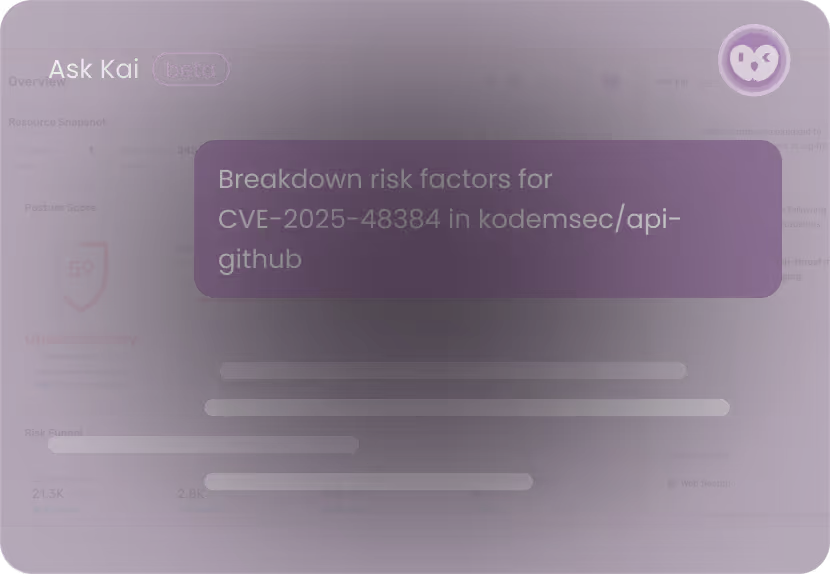
3
You get an actionable answer
Get scope, risk priority and remediation steps.
4
Turn decisions into action
Share results, create a ticket or notify your team.


Common Questions
Kai runs in a secure, isolated cloud environment with strict data isolation.
Your platform data, including findings, prompts and conversations, is processed separately and never used to train public AI models. There is no cross-tenant data sharing and your data remains your own.
Kai analyzes your security findings and runtime context to identify likely false positives and help prioritize issues that are truly exploitable.
Kai operates within the same access scope as the user running the query.
If your user account is scoped to a specific team or set of applications, Kai’s answers will also be limited to that scope. Kai does not access data beyond the permissions defined in your user account.
Kai is Kodem’s AI AppSec Engineer, an AI assistant designed for security and engineering teams. It delivers personalized context, tailored remediation guidance and user-driven automation across the Kodem platform.Kai includes capabilities such as:
- Kai-Powered Code Issue Review: Automatically analyzes SAST findings to identify and classify likely false positives.
- Kai Chatbot: A conversational interface that allows teams to investigate risks, understand security findings,and receive remediation guidance in natural language.
Kai works across the software development lifecycle, from development to production, within existing AppSec and DevOps workflows.
Teams can investigate findings, prioritize risk and receive remediation guidance without changing their current processes.